Maiden
A logbook and workshop companion for RC pilots and builders, on iPhone, iPad and Apple Watch.
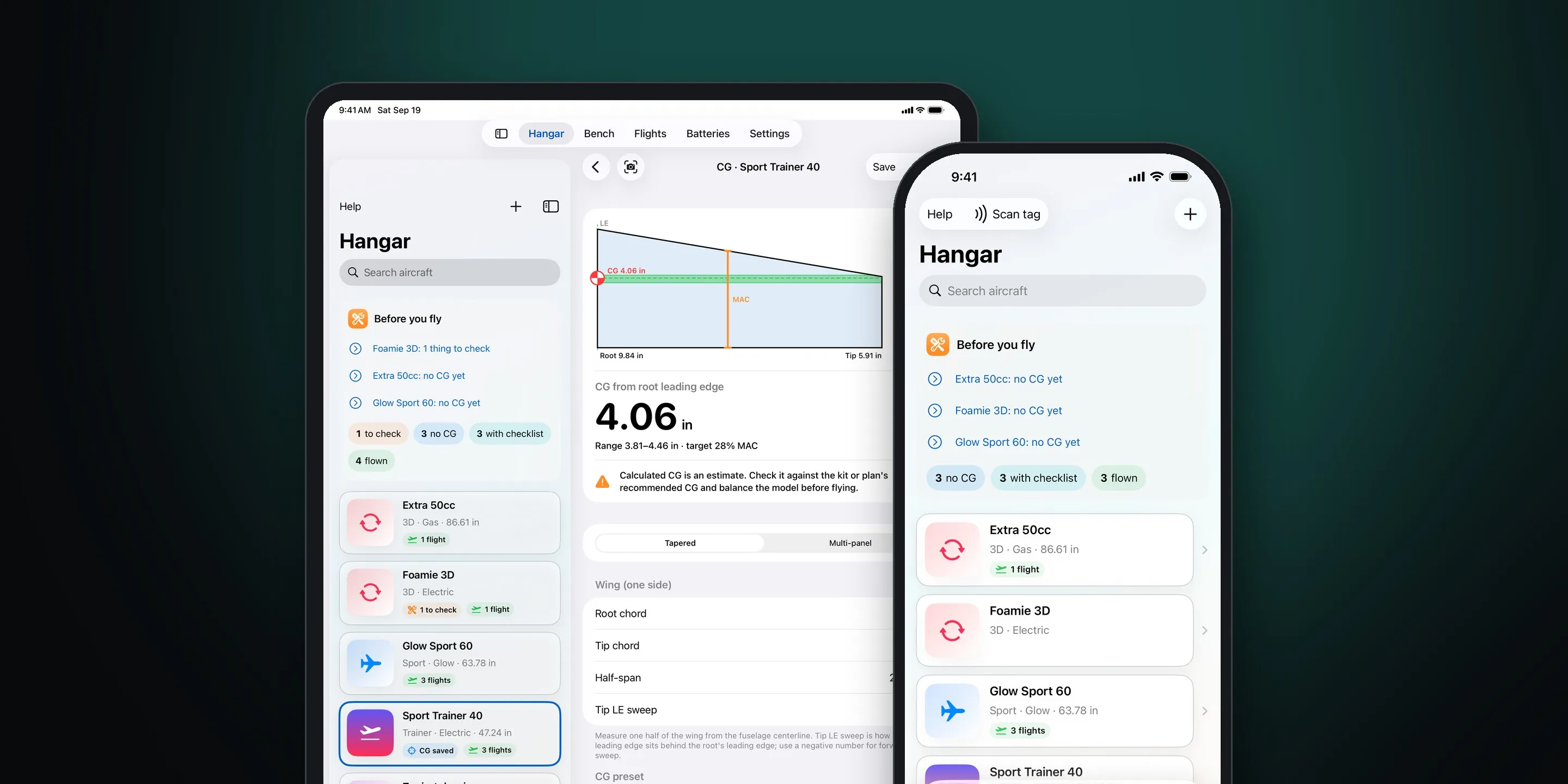
Screenshots
-
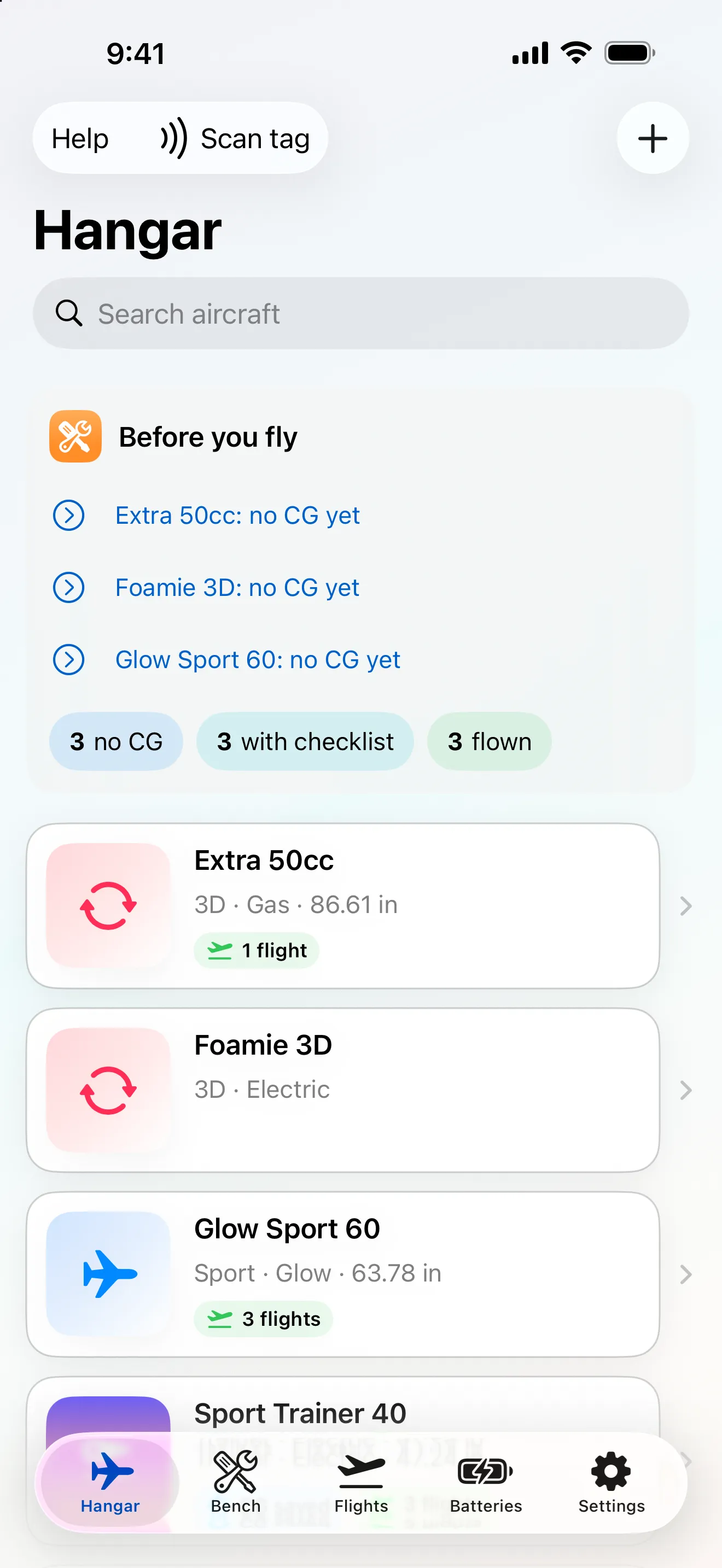
Hangar -
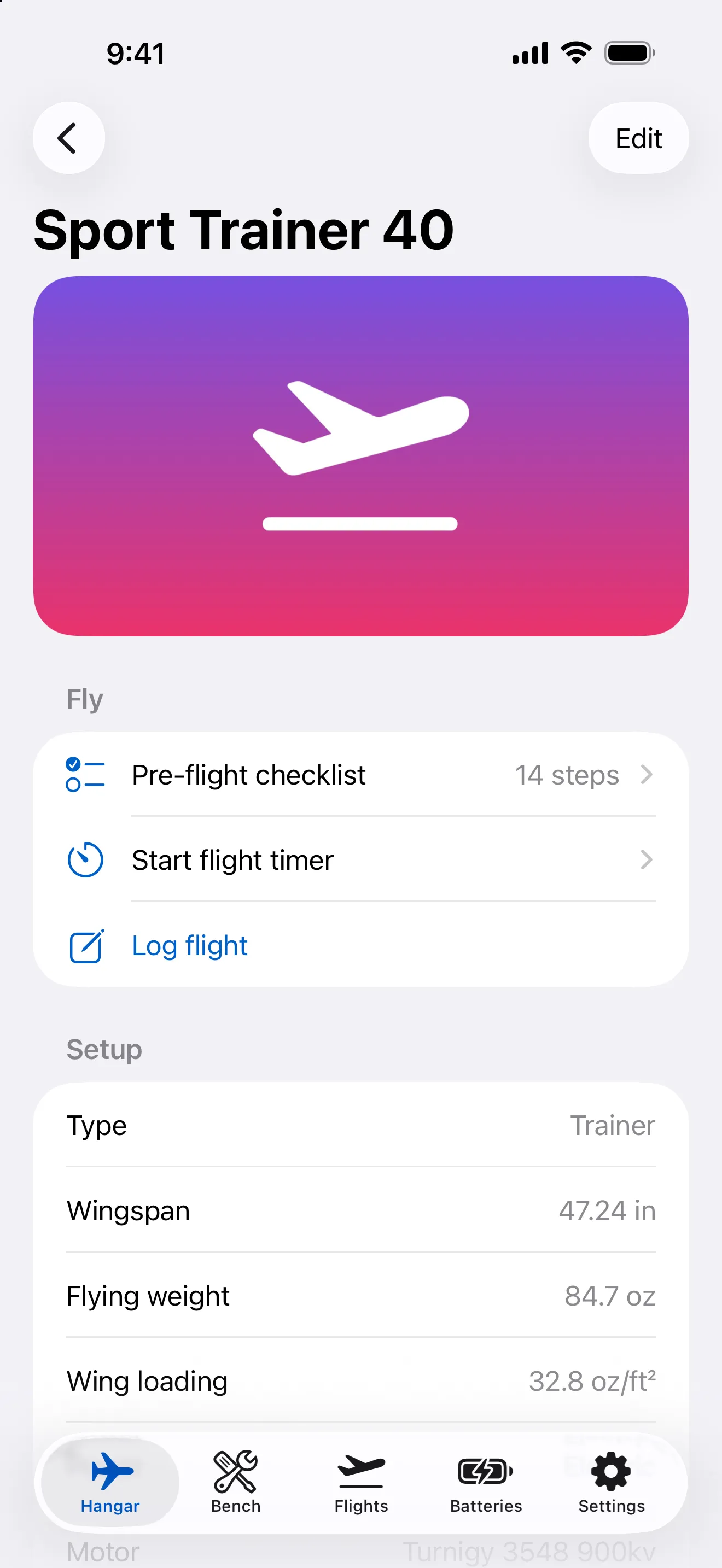
Aircraft Detail -
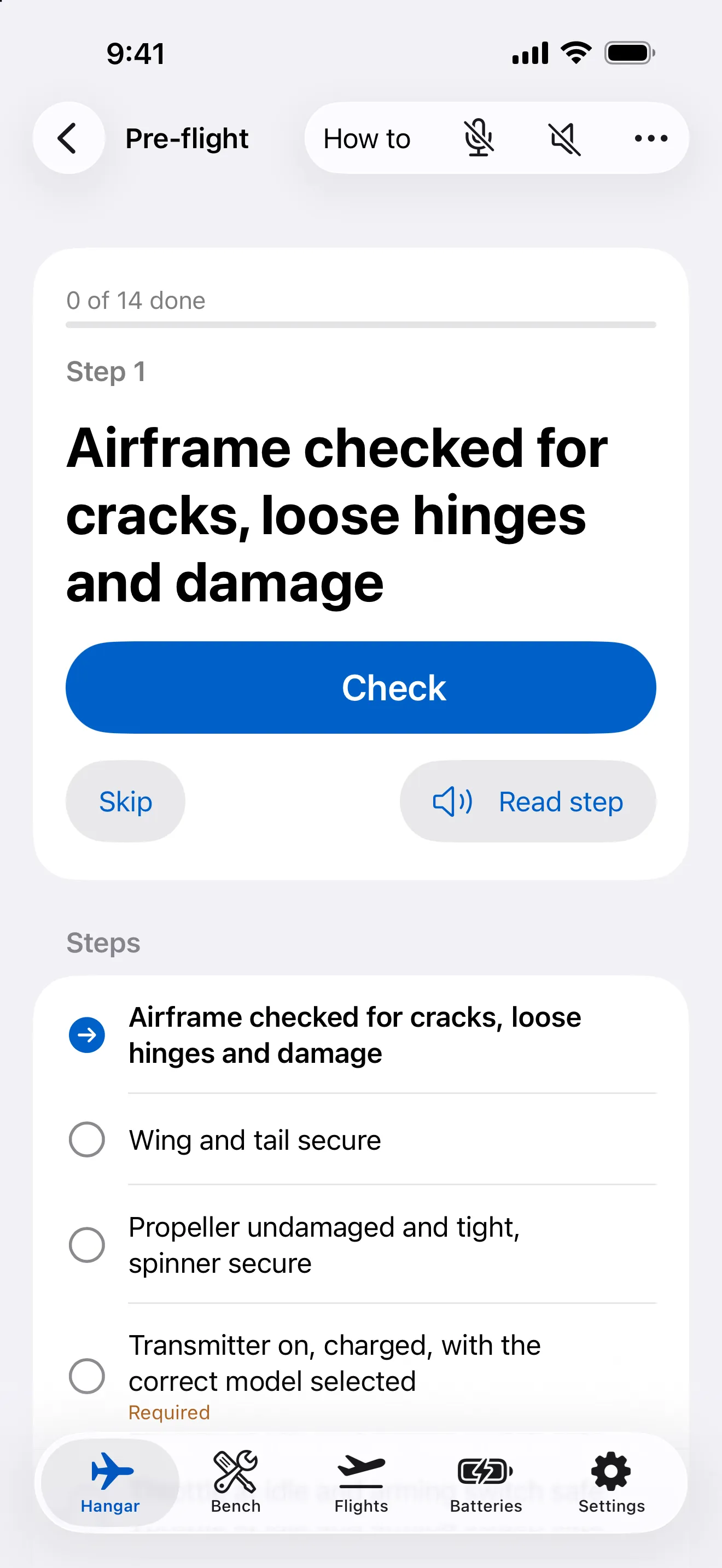
Preflight Checklist -
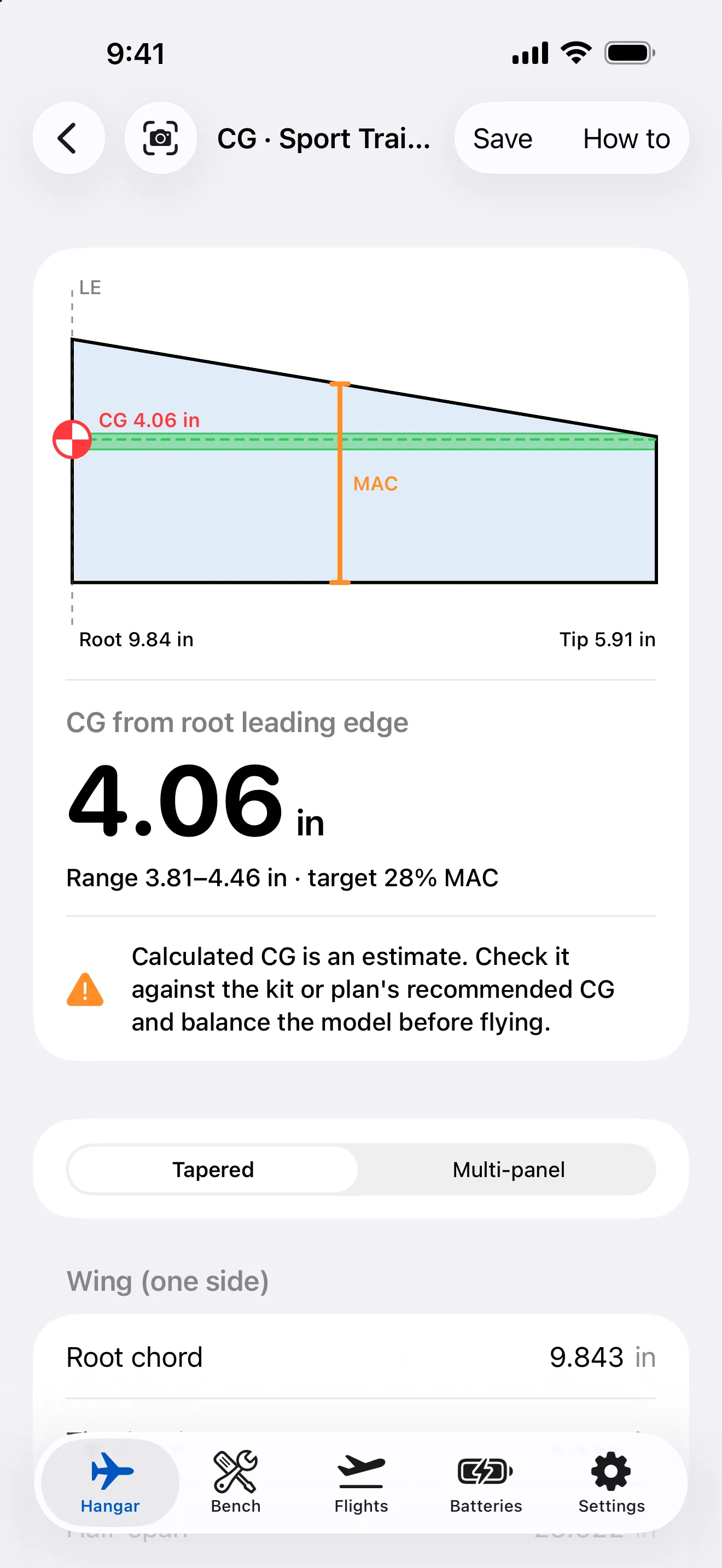
CG Calculator -
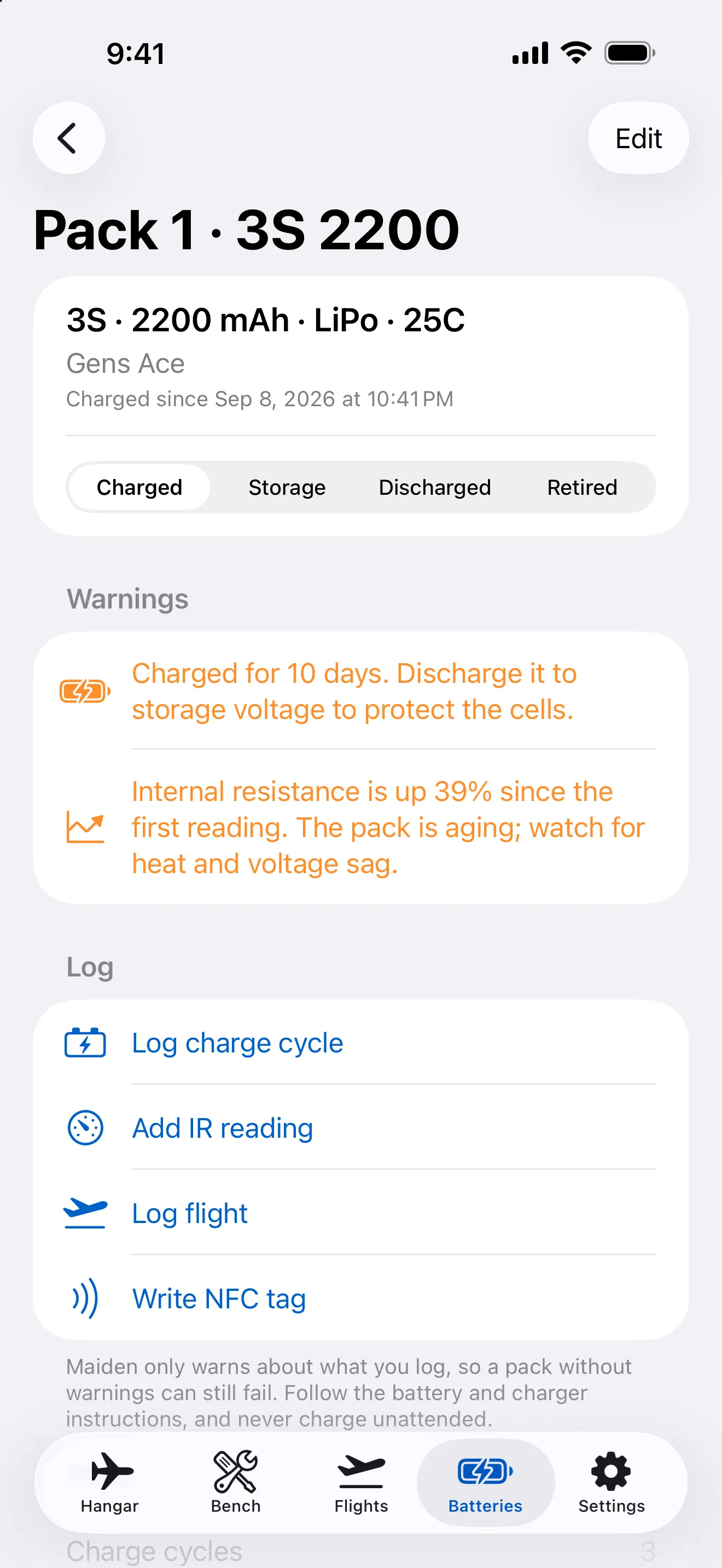
Battery Detail -
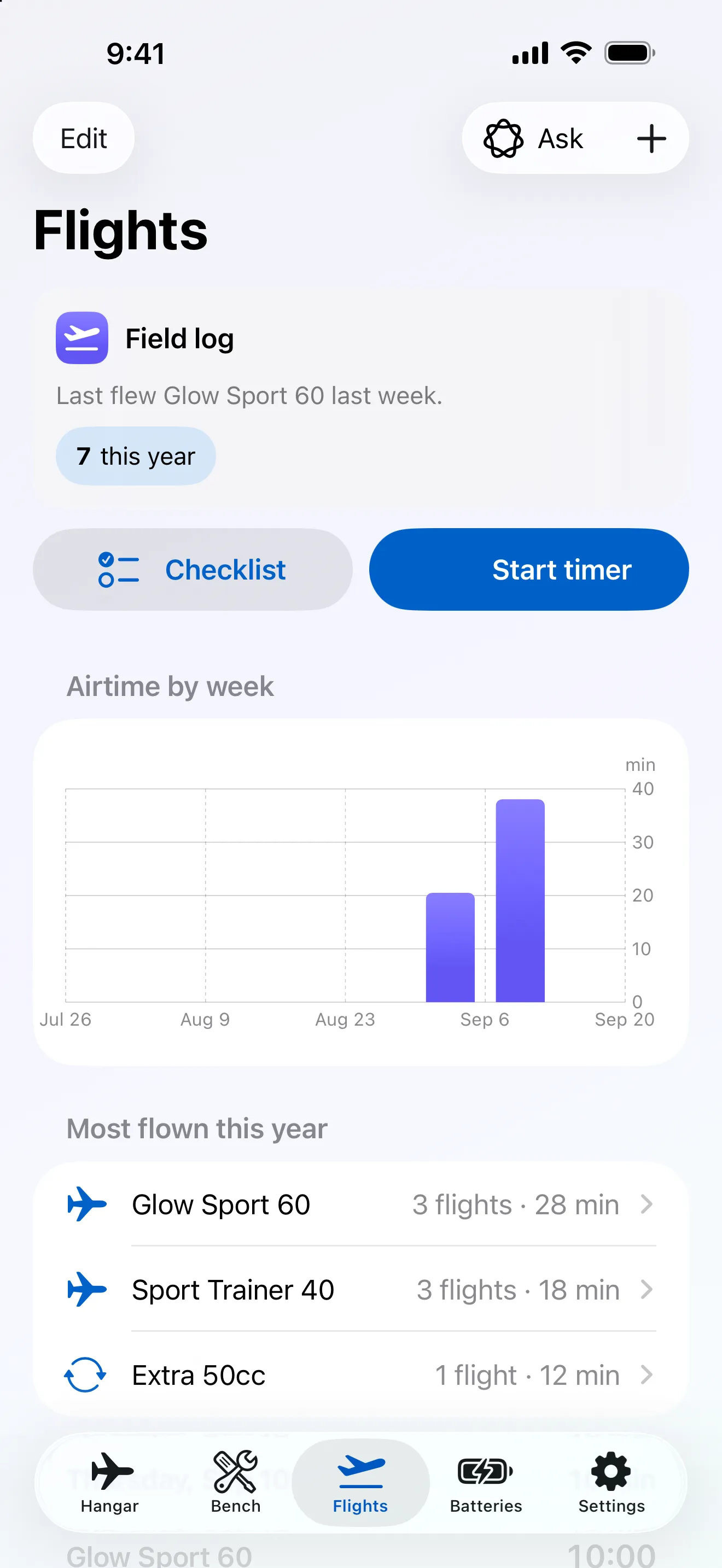
Flight Log -
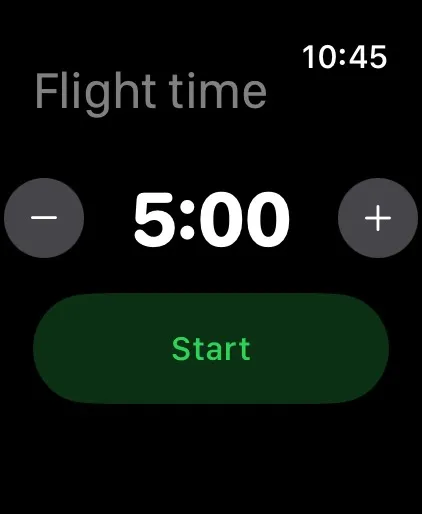
Apple Watch Flight Timer
Everything about a model in one place: what it weighs, where it balances, which pack flew it last, and what you told yourself to check next time.
- Your hangar. Each aircraft with photos, notes and a running list of open issues. Electric, glow, gas or glider. Tap an NFC tag on the model to open it straight from the Lock Screen.
- Balance and CG. The centre of gravity from the wing dimensions, for a simple trapezoid or a multi-panel wing, drawn against the wing rather than given as a bare number. Or photograph the wing on a sheet of paper and let the camera measure the outline.
- Bench tools. Control surface throws, wing incidence, dihedral and washout from the motion sensors. Find the CG by weighing the model on two scales, and measure a wingspan with the tape measure.
- Batteries. Every LiPo with its cycle count, internal resistance and charge history, so you see a pack going soft before it lets you down. Scan a battery label to add it, and tap the pack's NFC tag to log a charge.
- Pre-flight checklists. A checklist per aircraft, run at the field. Have it read aloud, or go hands-free and just say “check” with the phone in your pocket. Anything you flagged after the last flight comes first next time.
- Flight timer. On the Lock Screen and in the Dynamic Island. On Apple Watch it taps your wrist, so you get your warning without looking down.
- Flight log. Log a flight by speaking after you land, or ask Siri. Flights build into a history per aircraft and a weekly overview across the hangar.
- Engine tuning. Hold the phone near a running glow or gas engine and Maiden reads the RPM from the sound. Needle settings account for the air pressure and temperature at your field.
- Made for iPad. The hangar, the CG diagram and the flight history side by side, with text that stays readable at arm's length on a workbench, in any orientation.
- iCloud sync. Your hangar on your iPhone and iPad, through your own iCloud.
- Apple Intelligence. Optional, on iOS and iPadOS 26: tidy up flight notes and ask your logbook questions.
Free to start
Every tool is free, for up to 3 aircraft and 6 batteries.
Maiden Pro lifts the limit. It is a one-time purchase with no subscription, and it is shared with your family through Family Sharing.
NFC tags
Maiden works with any NTAG213 tag. On LiPo packs, use anti-metal tags so they still read reliably on the pack.
Reading and writing tags needs an iPhone, because iPad has no NFC reader. Batteries and aircraft you tag on your iPhone still show up on your iPad through iCloud.
A tag holds only a random ID link, no personal data. On a phone without Maiden, the link opens a page on this site that explains what the tag is.
A note on safety
Maiden is a helper, not a substitute for your plans or your own judgement. Always check the CG against the figure from the kit or plan, and balance the model yourself before you fly it.