What you need
- NTAG213 NFC stickers
- Anti-metal stickers for LiPo packs
Steps
- Stick a tag where it's easy to reach, such as under the canopy or on the battery's label.
- Open the aircraft or battery in Maiden and tap Write NFC tag.
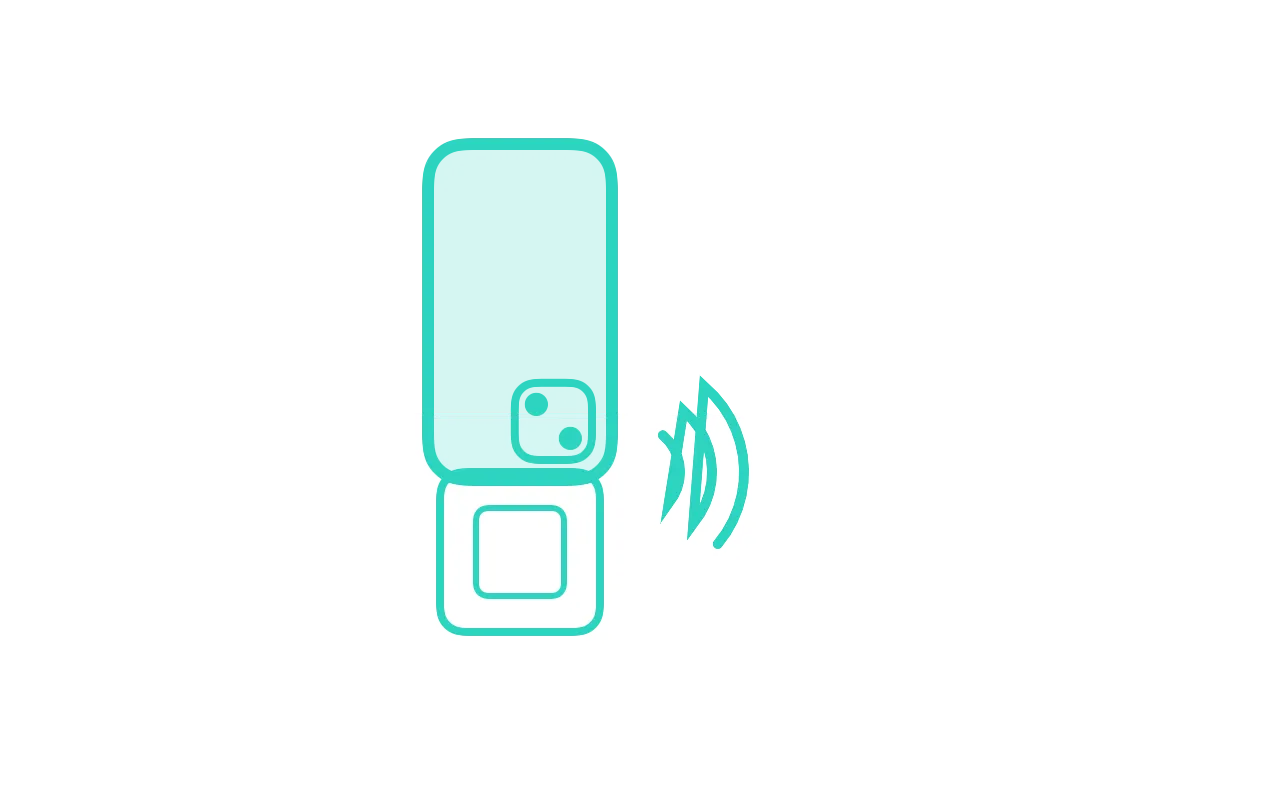
- Hold the top edge of the iPhone against the tag until it says Tag written.
- Later, with the screen on, hold the top of the iPhone to the tag to open that model or battery.
- If nothing opens, go to Hangar or Batteries, tap Scan tag, and hold the iPhone to the tag.
Good to know
- Tags need no battery, and any NTAG213 sticker works.
- On a LiPo pack, use an anti-metal tag. Ordinary tags don't read well on metal.
If it doesn't work
- Safari opens instead of Maiden
- Open Maiden once, then try the tag again. Or touch and hold the link and choose Open in Maiden.
Words used here
- NFC tag
- A small sticker your iPhone reads when you hold it close. Maiden writes a link to a model or battery on it.